Mini cut from overweight
Roughly 28%+ body fat, little visible muscle, carrying weight around the stomach and chest. Here is what the mini cut transformation looks like from exactly that start — rendered on a real photo, not a stock body.
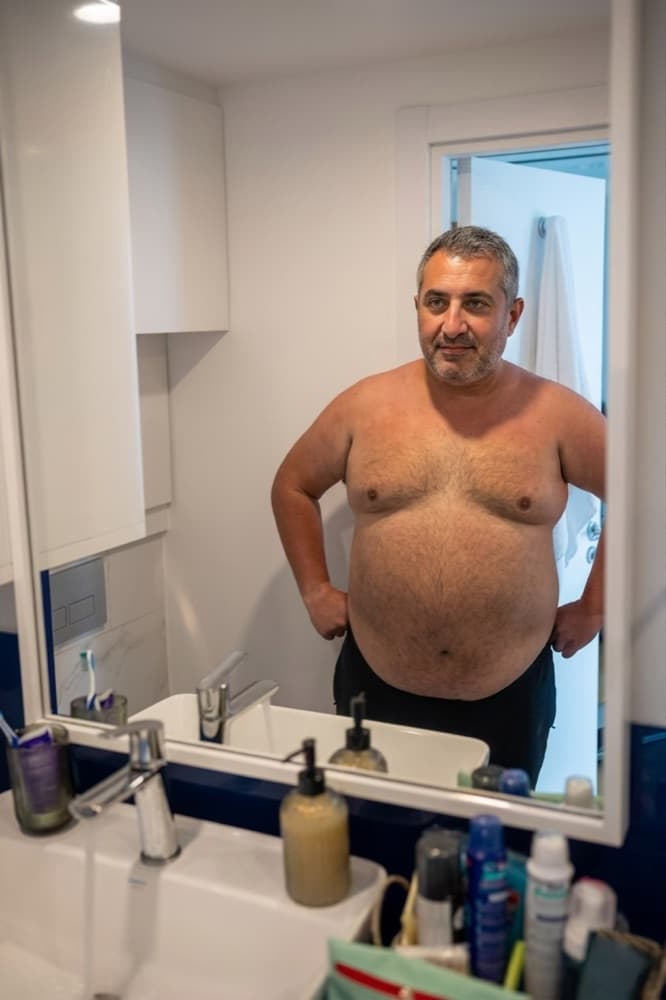
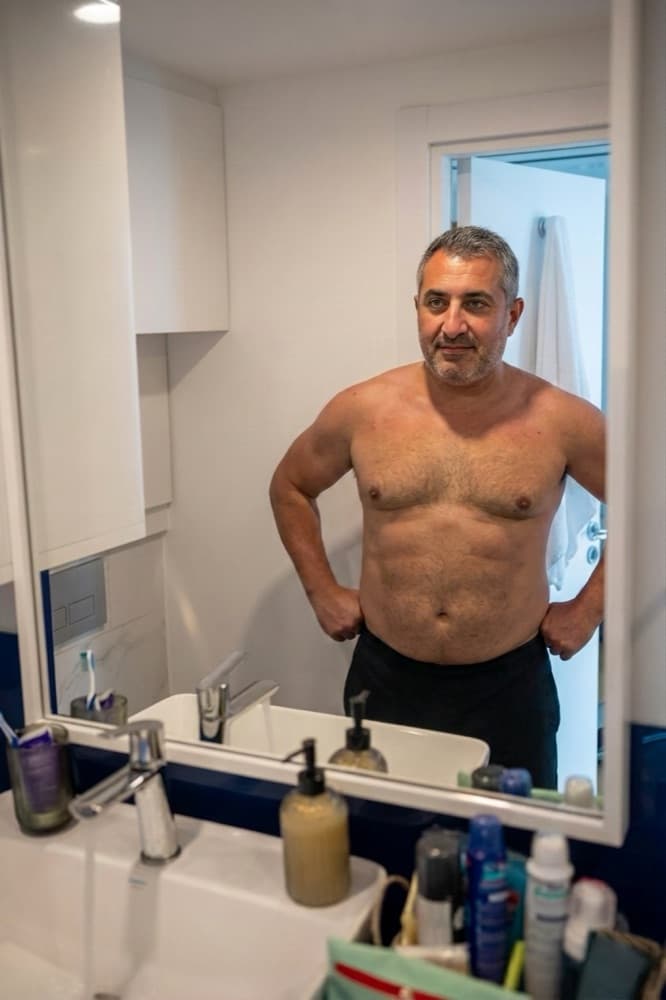
Starting from overweight
Fat loss comes first and does most of the visual work. A moderate deficit with high protein and three or four lifting sessions a week keeps muscle while the fat comes off — and for beginners, muscle is usually gained at the same time.
What mini cut changes
A short, sharp deficit to peel back a layer fast — without losing your hard-won size.
- A leaner face and jawline
- A flatter stomach with the top abs showing
- Sharper shoulders and arms
What it takes
4 weeks. A mini cut is an aggressive four-week deficit that drops 4–8 lb of mostly fat while training hard enough to keep muscle. It will not take you from 25% to 12%, but it visibly sharpens everything. The preview shows one layer removed, not a full transformation.
See it on your own photo
The example above is one upload. Yours will keep your face, your frame, and your bathroom mirror, and show the mini cut version of you. Your first look in the app is free; this transformation costs 50 tokens after that, shown before you tap.
More transformations from overweight
All 25 →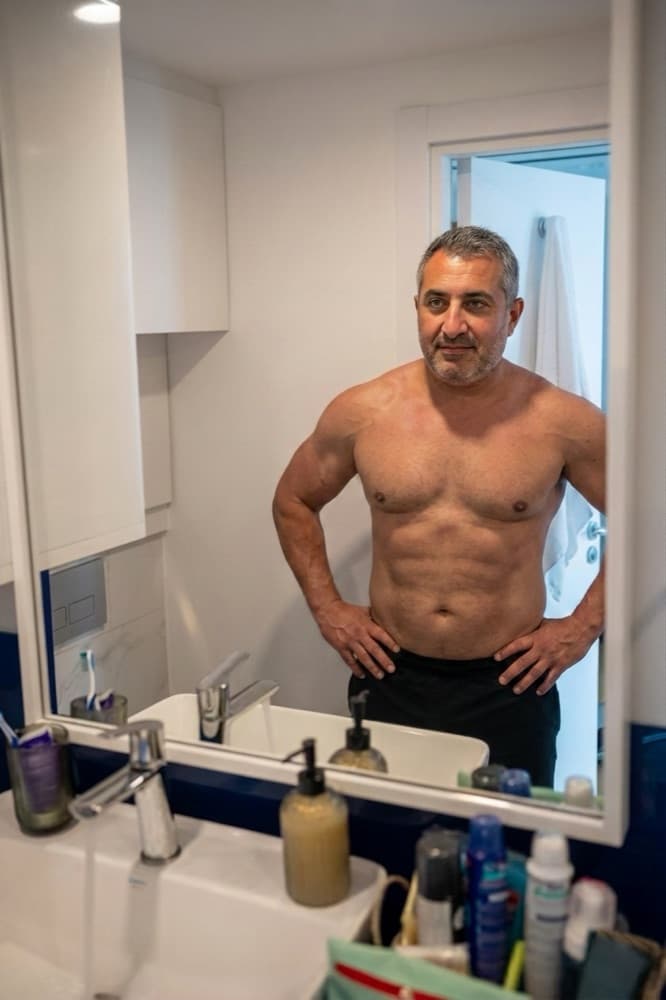 50
50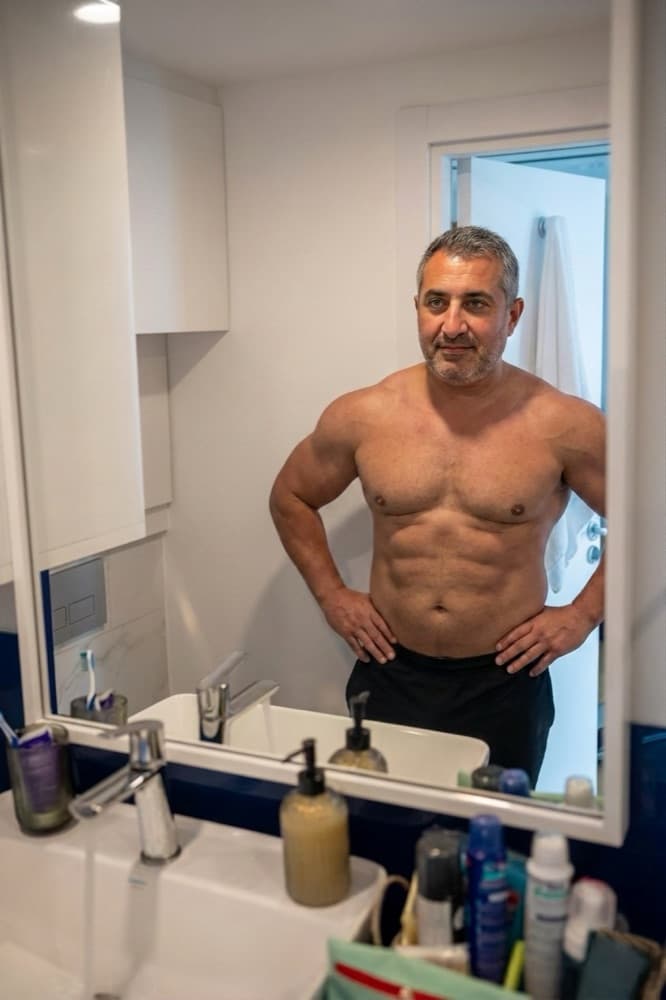 50
50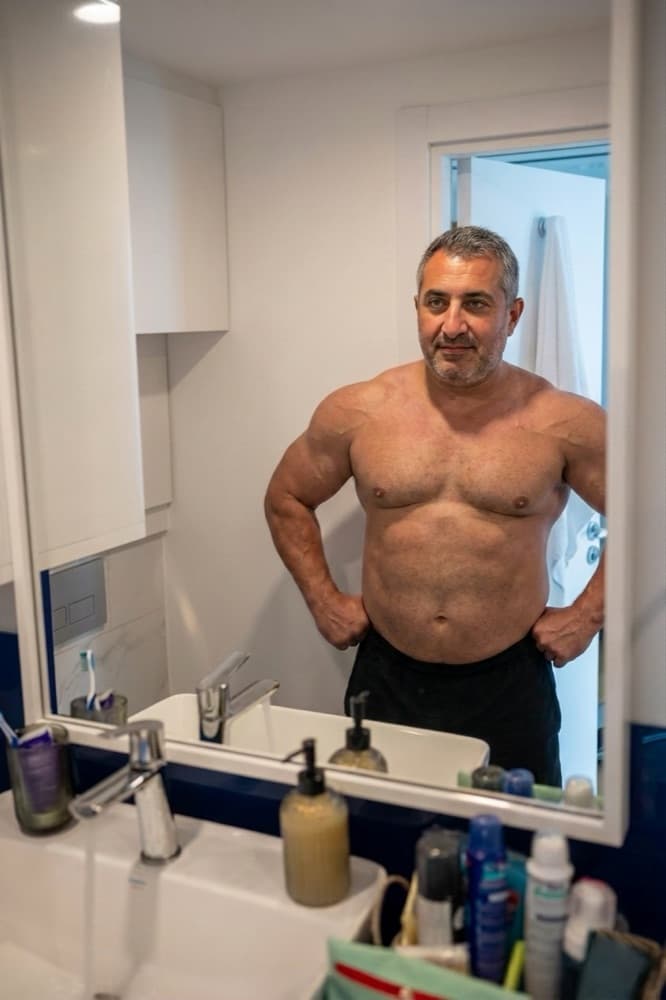 50
50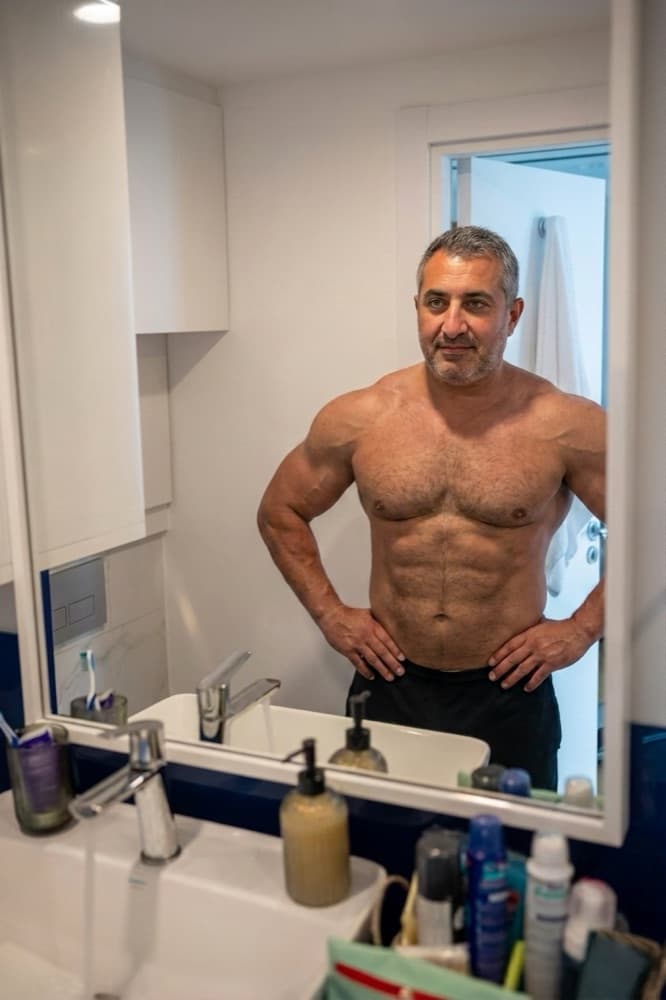 50
50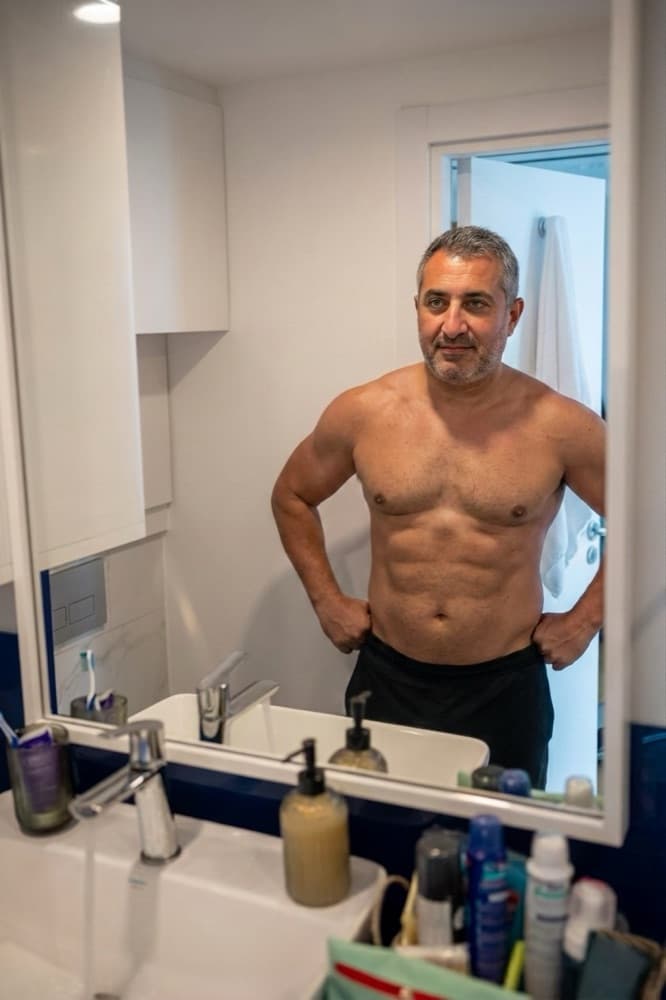 50
50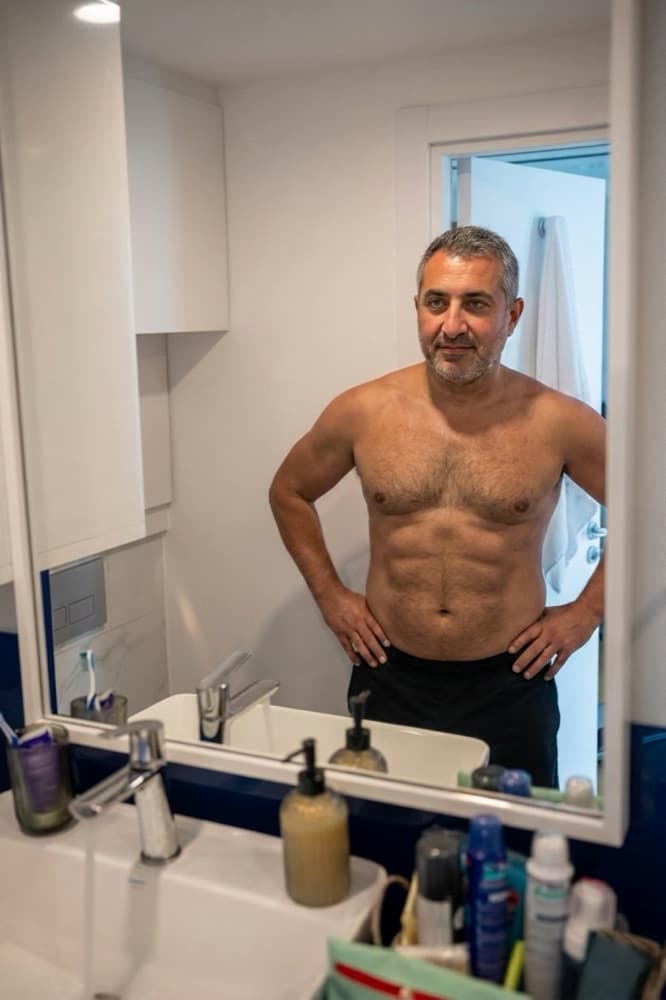 50
50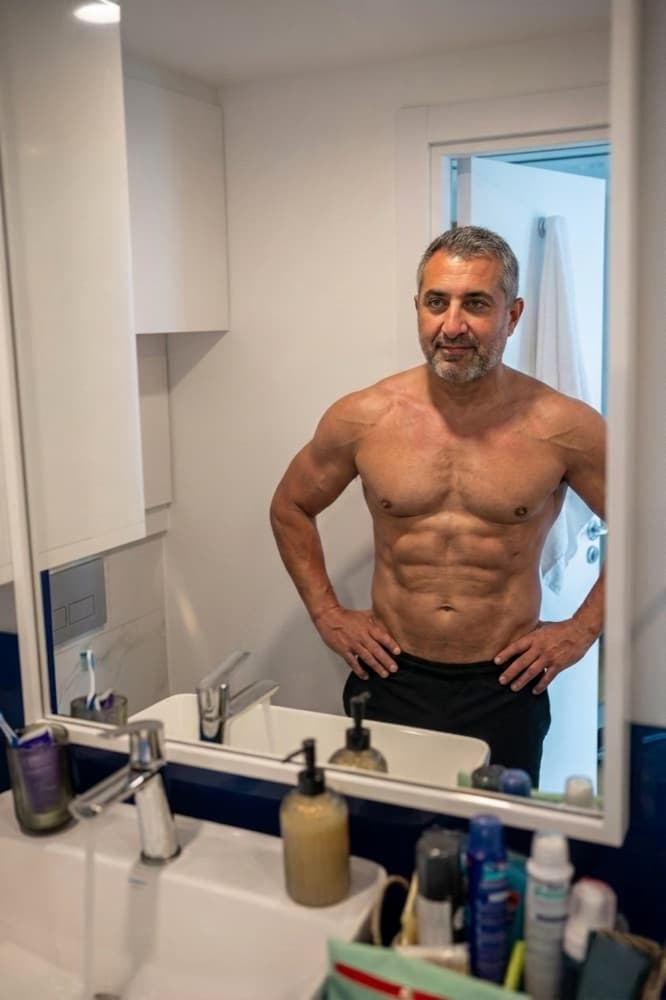 50
50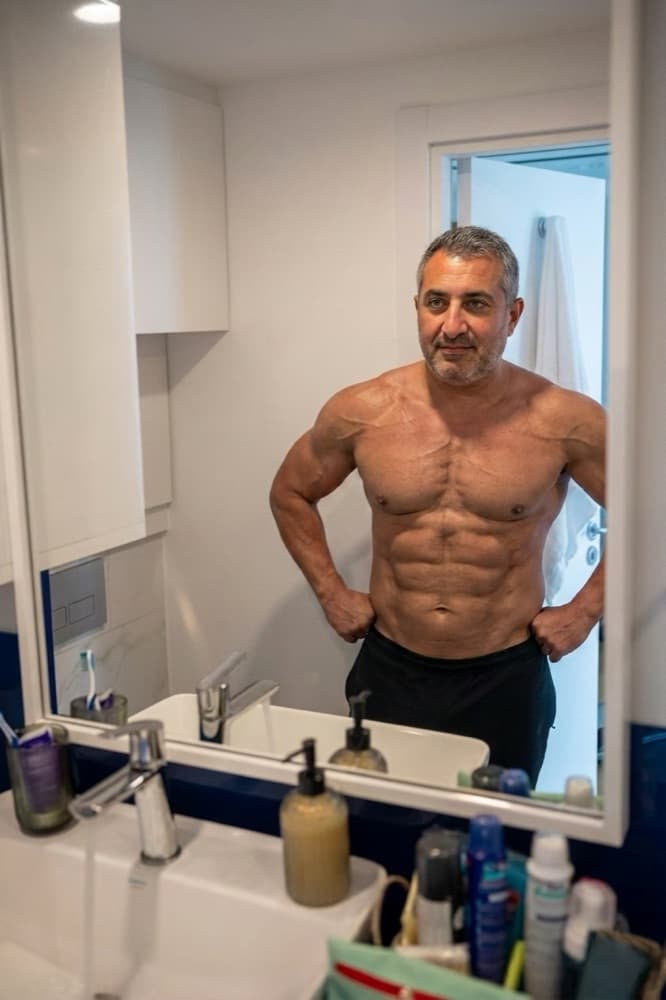 50
50
See mini cut from overweight — on your body.
Get the app, upload one photo, and see this transformation rendered on your own frame.