What lean gains look like?
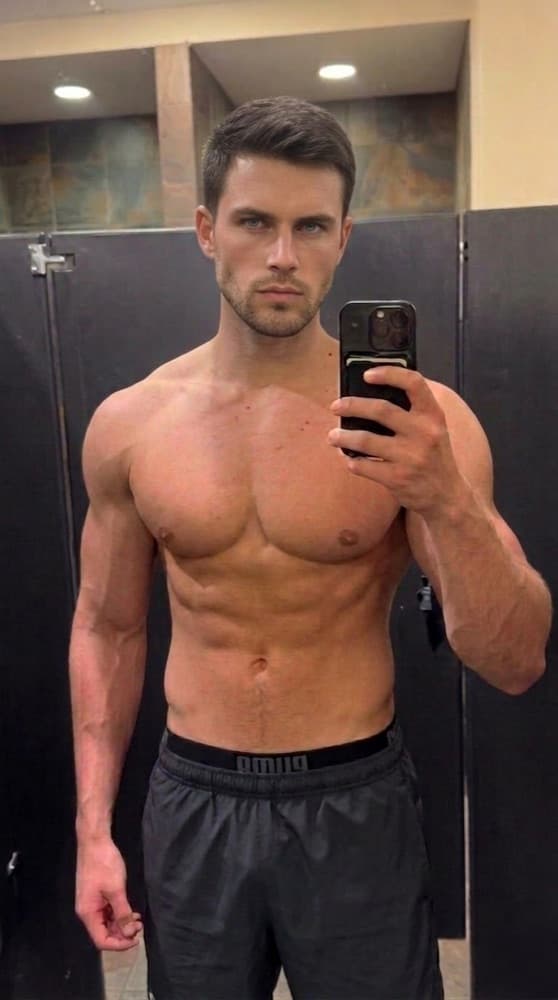
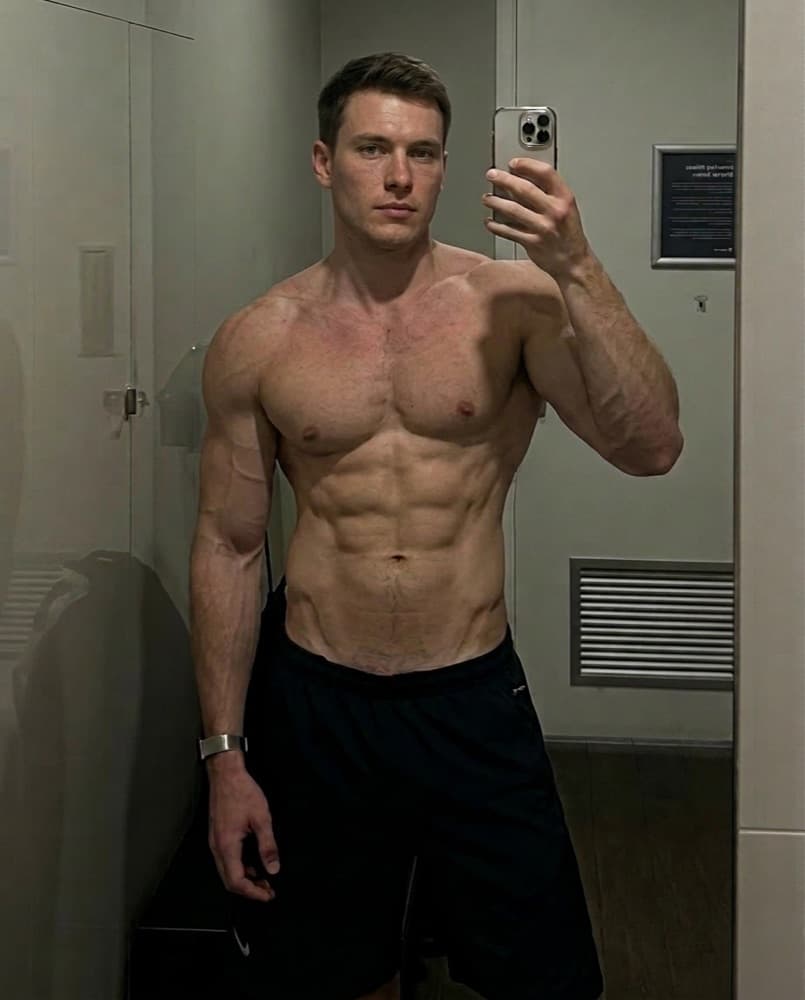
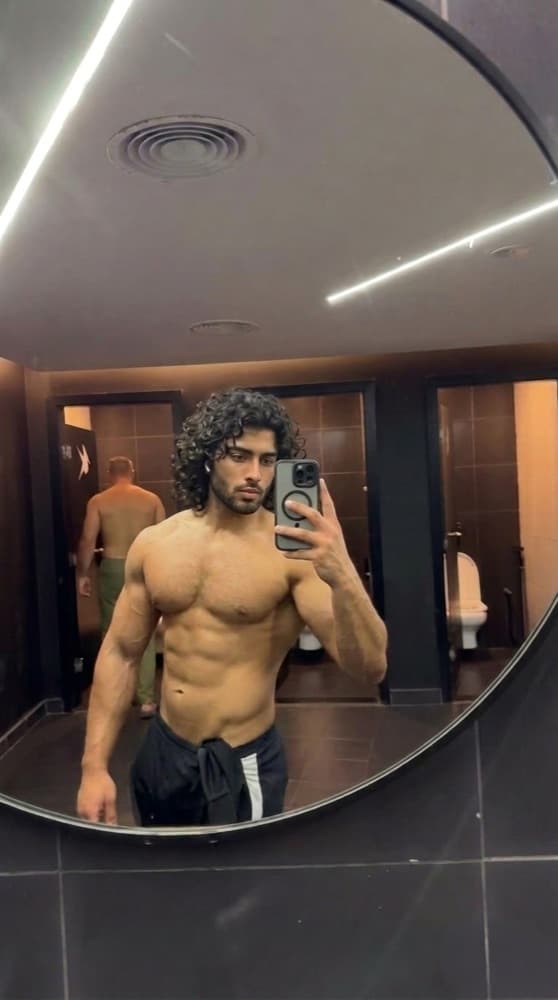
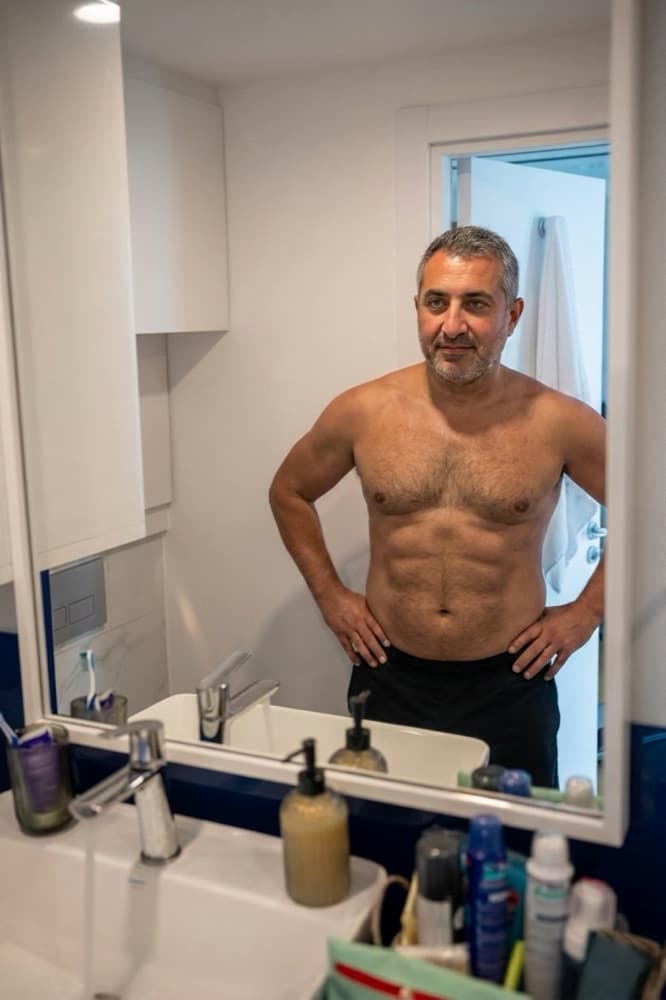
Stay lean while you grow. The disciplined path to year-round definition. Below: the same transformation rendered on five real example photos, from overweight to already fit, so you can find the starting point closest to yours.
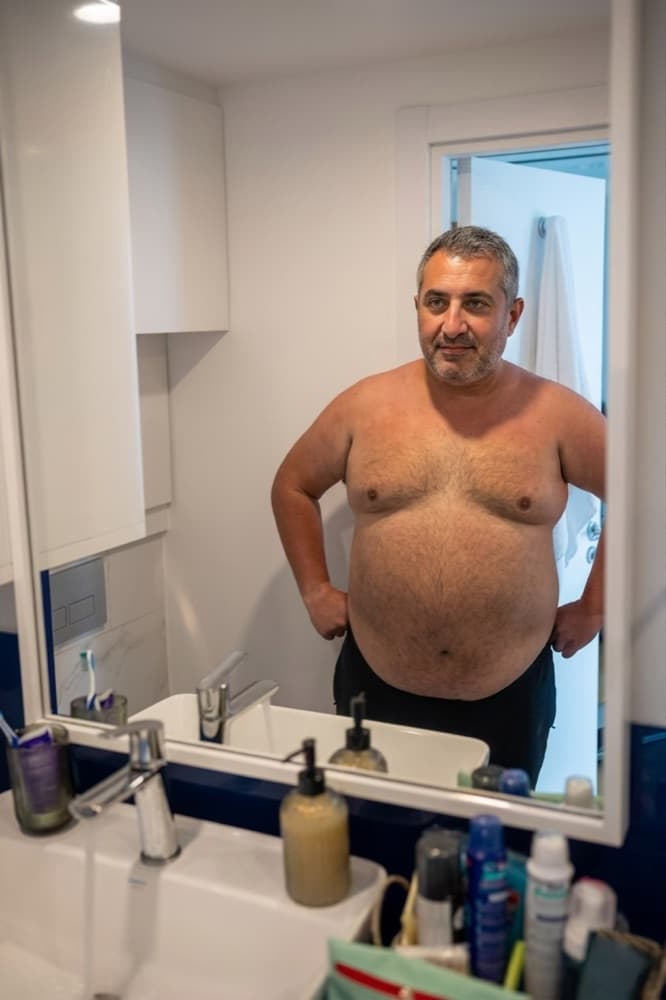
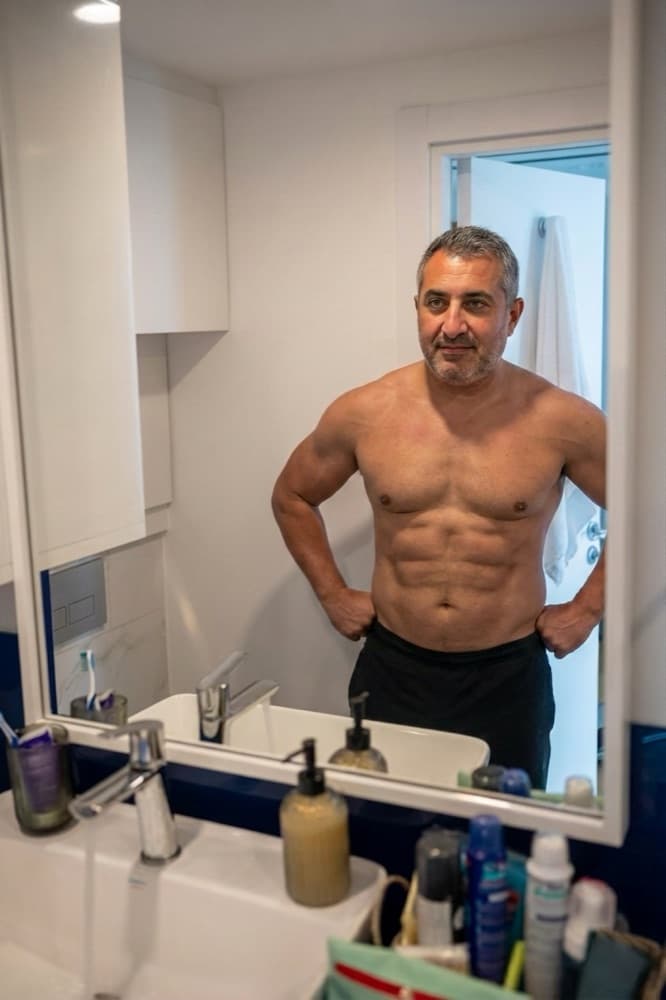
Same transformation, five starting points
Tap a pair to see the lean gains page for that starting point.
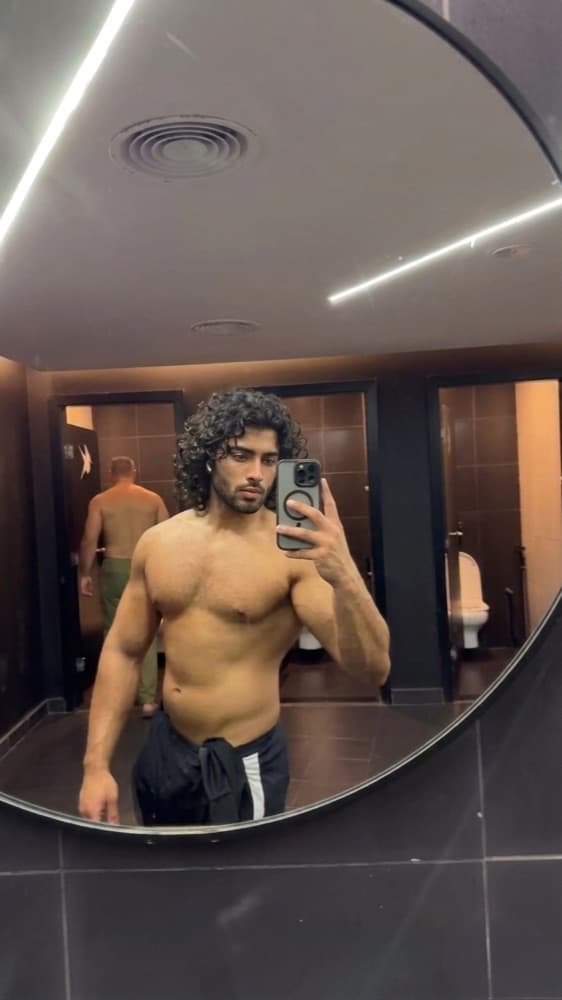
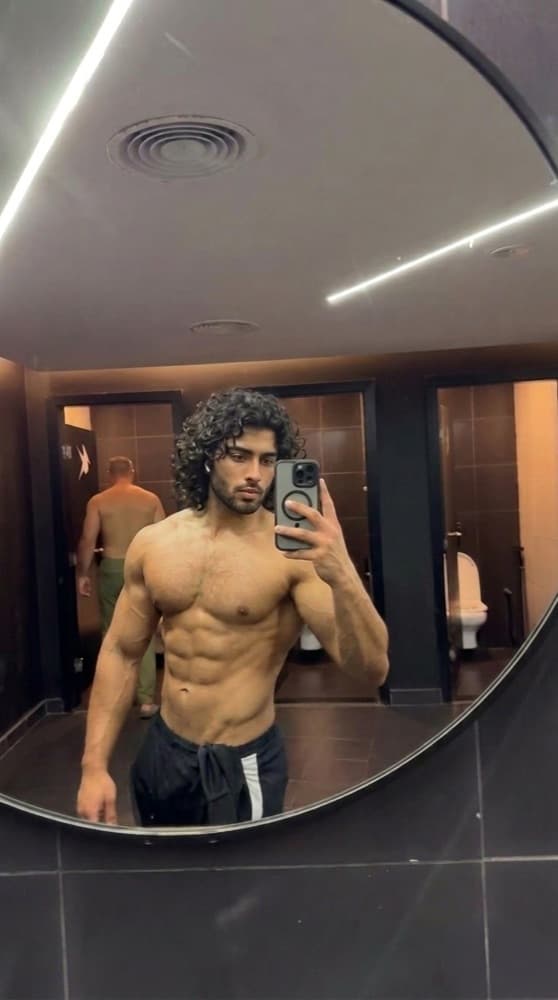
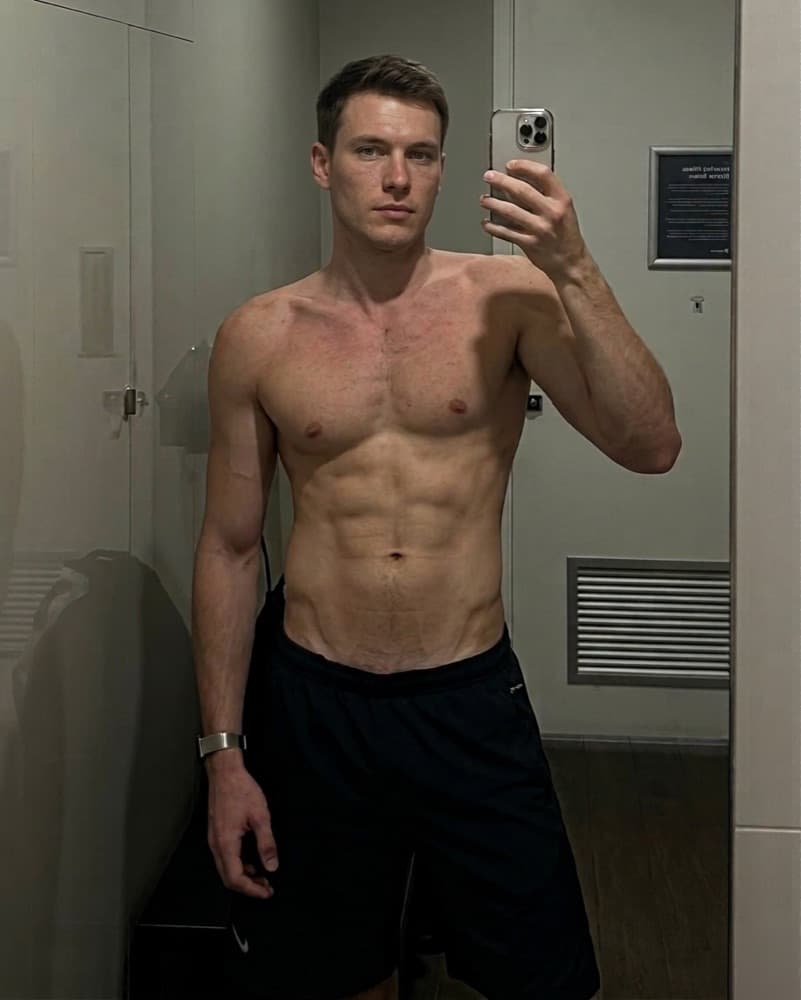
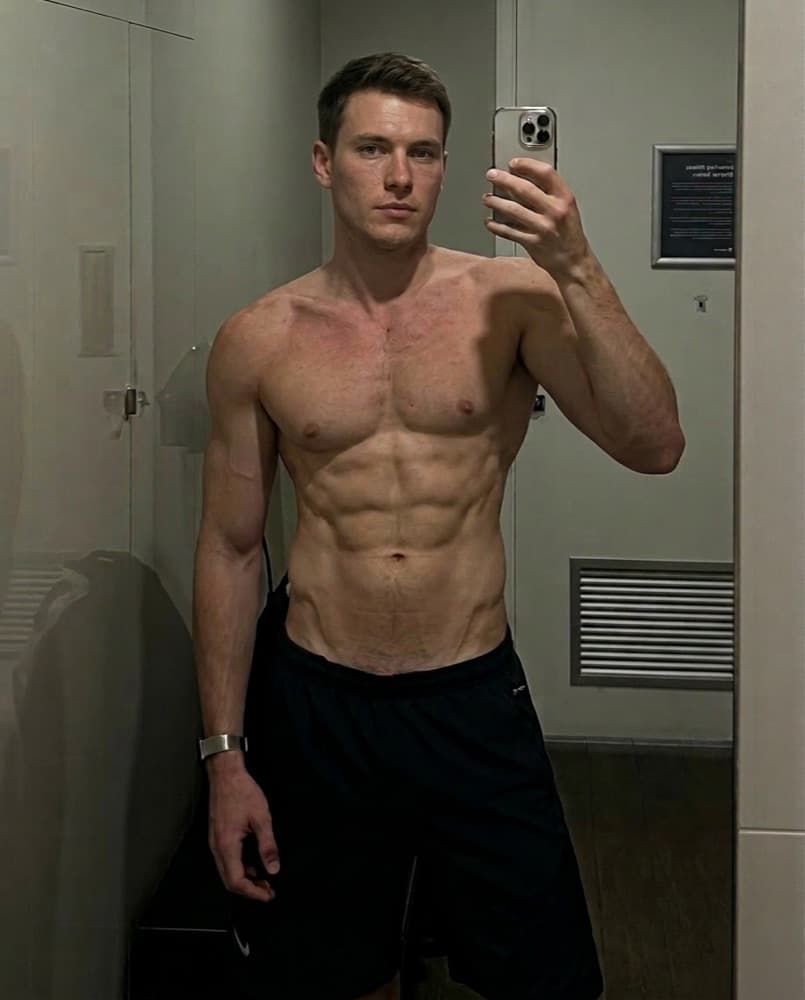
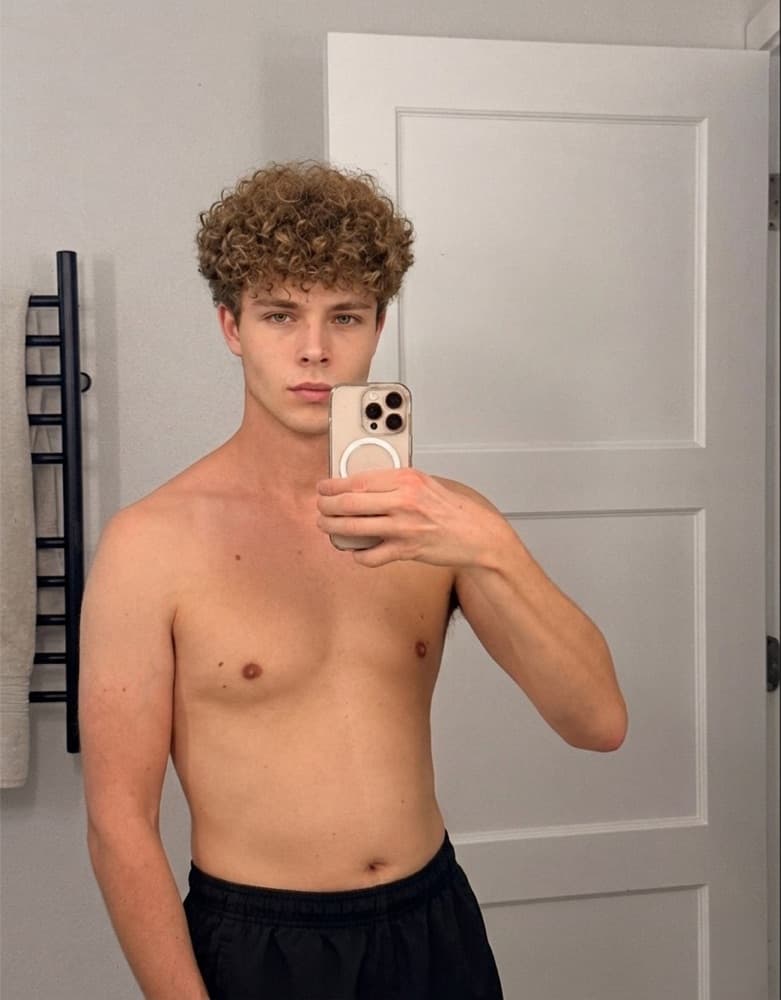
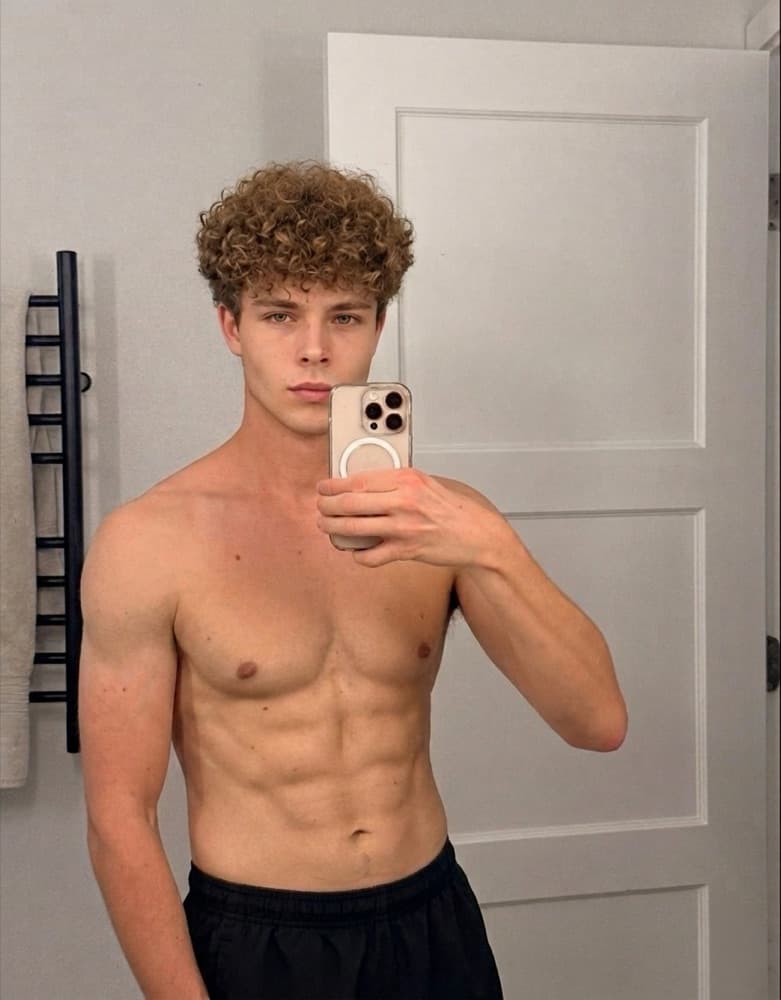
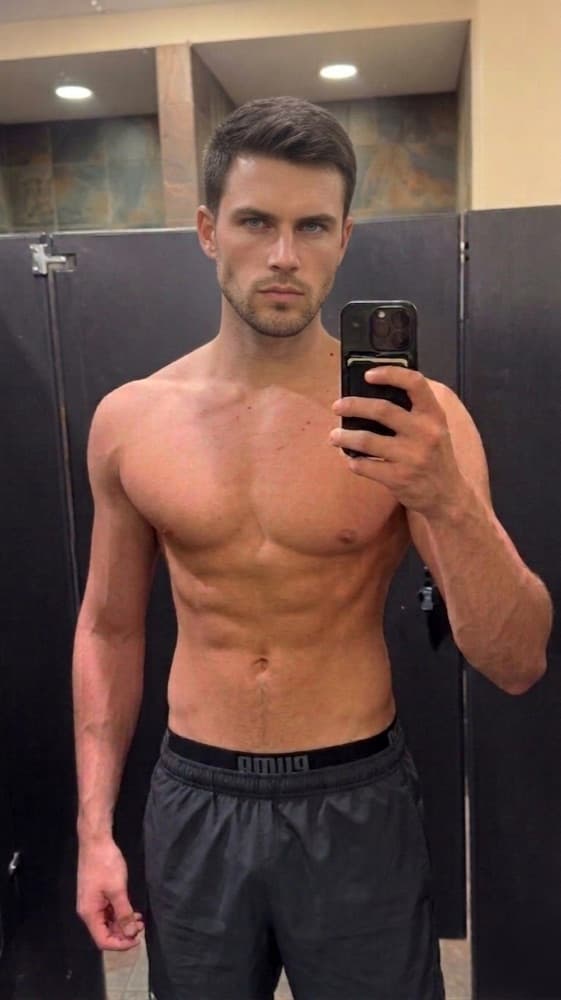
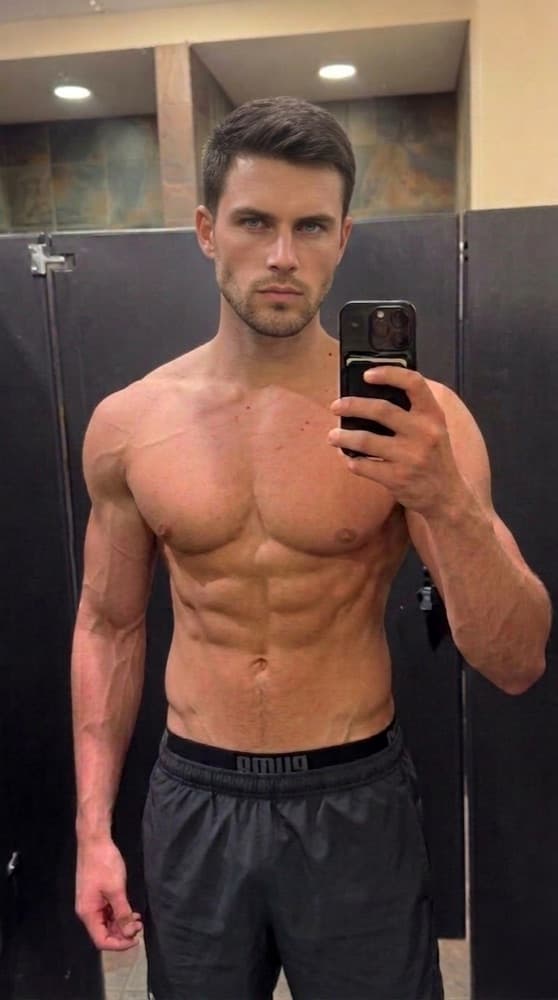
What changes
Slow recomp, abs all year. The preview is asked to change three things and leave everything else alone:
- Muscle added while abs stay visible
- Wider shoulders and back at the same waist
- The 'always in shape' look
How long it takes
8–12 months. Lean gaining is a small surplus held for the best part of a year, gaining muscle slowly while staying at 10–14% body fat. It is the least dramatic month to month and the best looking at the end. The preview shows the end.
How LiftLooks renders it
You upload one mirror photo. The model keeps your face, frame, lighting, and the room you took it in, and changes body composition the way this transformation describes. The result comes back in about a minute as a before/after you can save or share. Every result is labeled as AI-generated, the token price is shown before you tap, and a failed generation is never charged.
Questions
Is lean gains realistic for me?
Lean gaining is a small surplus held for the best part of a year, gaining muscle slowly while staying at 10–14% body fat. It is the least dramatic month to month and the best looking at the end. The preview shows the end. The preview is rendered on your own frame, so what you see is what that goal would look like on your bone structure and starting point — not on someone else's.
How accurate is the AI preview?
It is a realistic estimate, not a promise. LiftLooks starts from your actual photo and keeps your face, frame, lighting, and setting, then changes body composition the way the transformation describes. Every result is labeled as AI-generated. Real outcomes depend on genetics, diet, training, and consistency.
What does it cost?
This transformation costs 50 tokens in the app. Your first look is generated free. LiftLooks Weekly is $7.99 per week for 200 tokens (enough for four standard transformations), unused tokens roll over, and one-time bundles stack on top. Cancel anytime in your Apple ID settings.
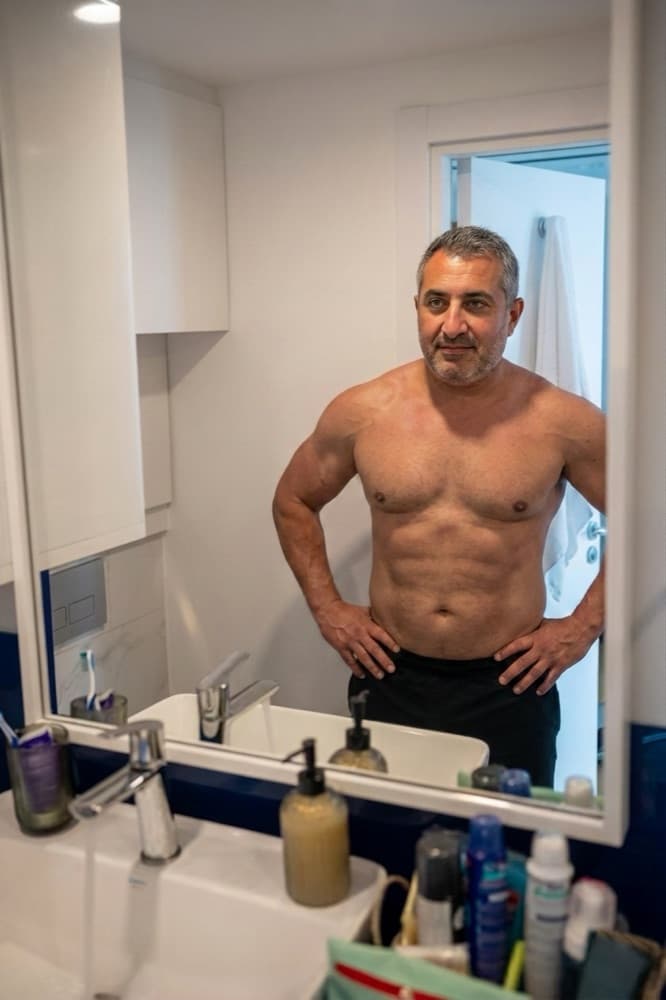
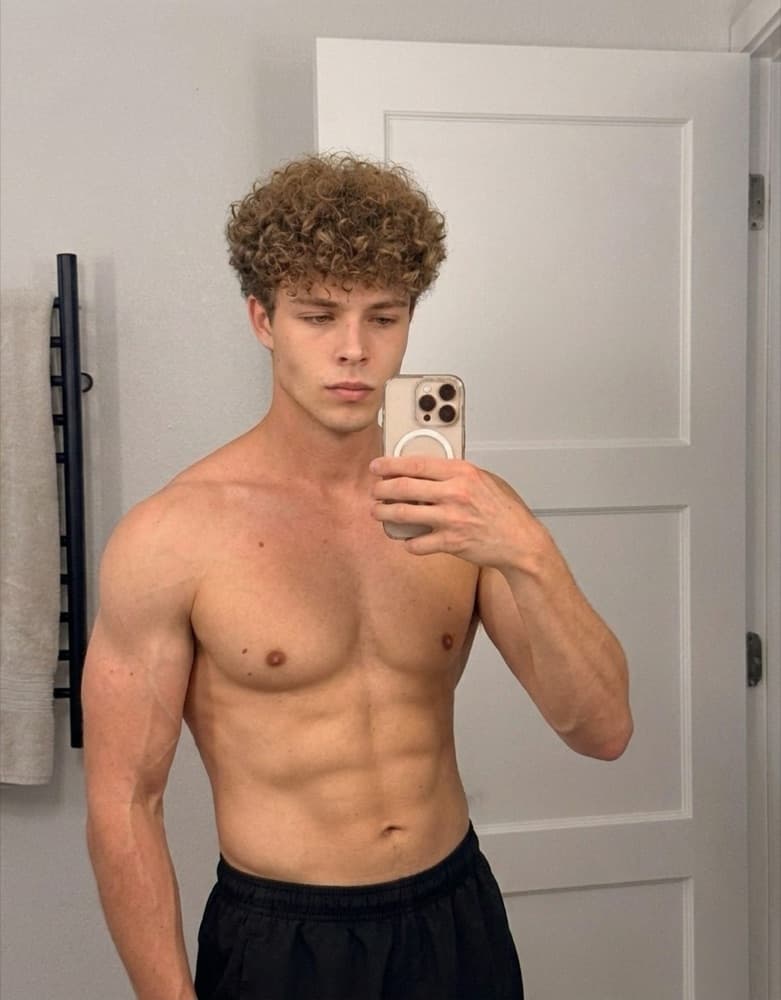
See lean gains on your body.
Get the app, upload one photo, and see this transformation rendered on your own frame.